How it works
Three steps and your friend plays your modpack from their tablet or phone.
Install BlockFlow and pick a modpack
The PC app downloads the game, Java and the loader. The modpack comes from Modrinth or from an .mrpack file.
Press “Share PC”
A QR code, a link and a code appear. Your friend’s game starts on a second screen of your PC — you do not see it and cannot get in its way.
Your friend opens the link and plays
They only need a browser. They sign in, wait for loading and land in the Minecraft main menu with their own character.
Who does what
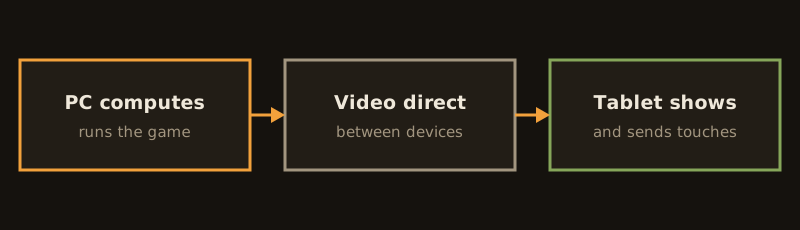
The PC computes the game; the tablet shows the picture and sends touches. Video goes directly between the devices, not through our servers.
What you need
- The host's Windows PC runs the game and must be powerful enough for the chosen modpack. You can play and control from a tablet, phone or another PC with a browser.
- Every player needs their own Minecraft Java Edition licence: one account, one player.
- We do not distribute the game or modpacks. The game is installed from Mojang's official servers and mods from Modrinth, on the player's own PC.
Privacy
- The picture goes directly between devices, not through our servers.
- The Stop button cuts the stream immediately.
- Game mode on the PC closes nothing unless you tick the box.
- Your friend never sees the host desktop: only the game window is shown.
Where we are now
Testing the free version — your PC as the host
The game runs on your computer and your friend joins from a tablet or phone. We are testing it live with the first players.
- On the same network it works: QR or code.
- From another network — we are testing it.
Cloud — in development, tests are starting
The game runs on our server, no powerful PC needed. In development, first tests soon. No price yet.