BlockFlow features
Everything you need to play your own modpack from a tablet or phone.
Touch controls
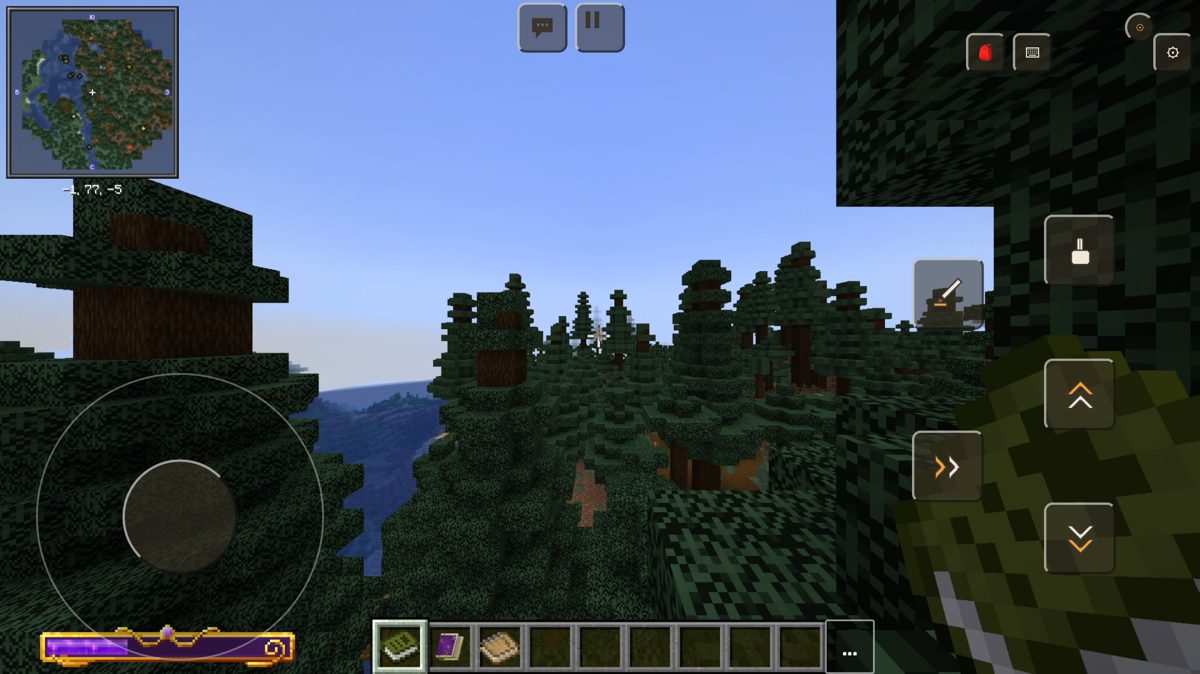
Play a Java modpack with your fingers: joystick, camera and buttons — no mouse.
- Joystick on the left, camera by swiping on the right.
- Attack, jump and use buttons under your thumb.
- Your own button fan: add a mod action and bind a key.
Crafting and the recipe book
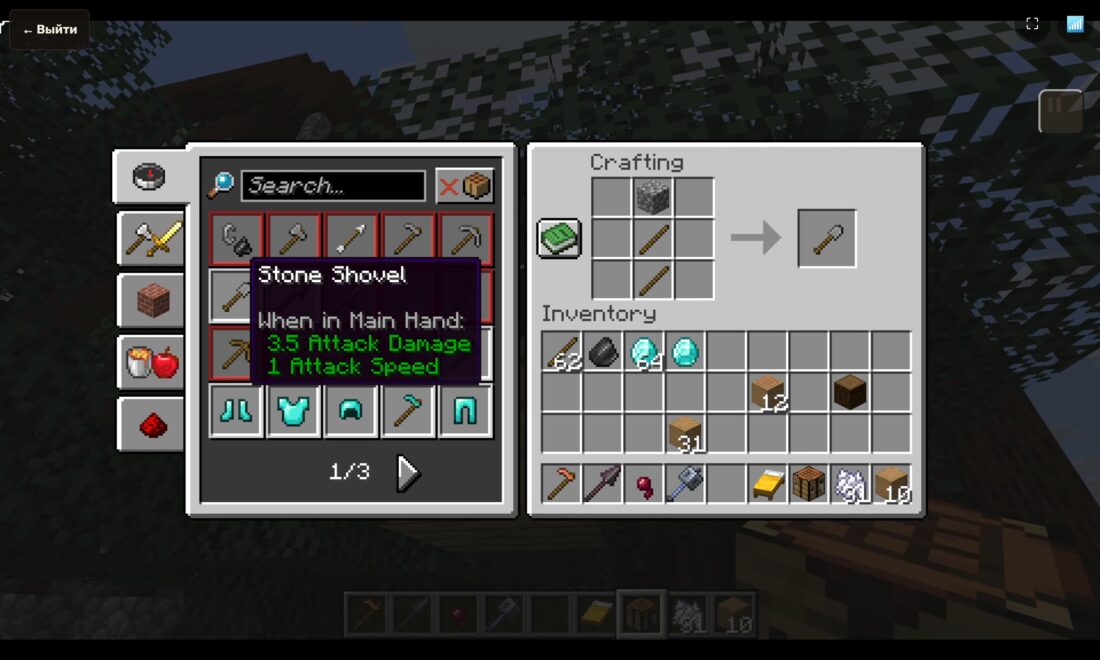
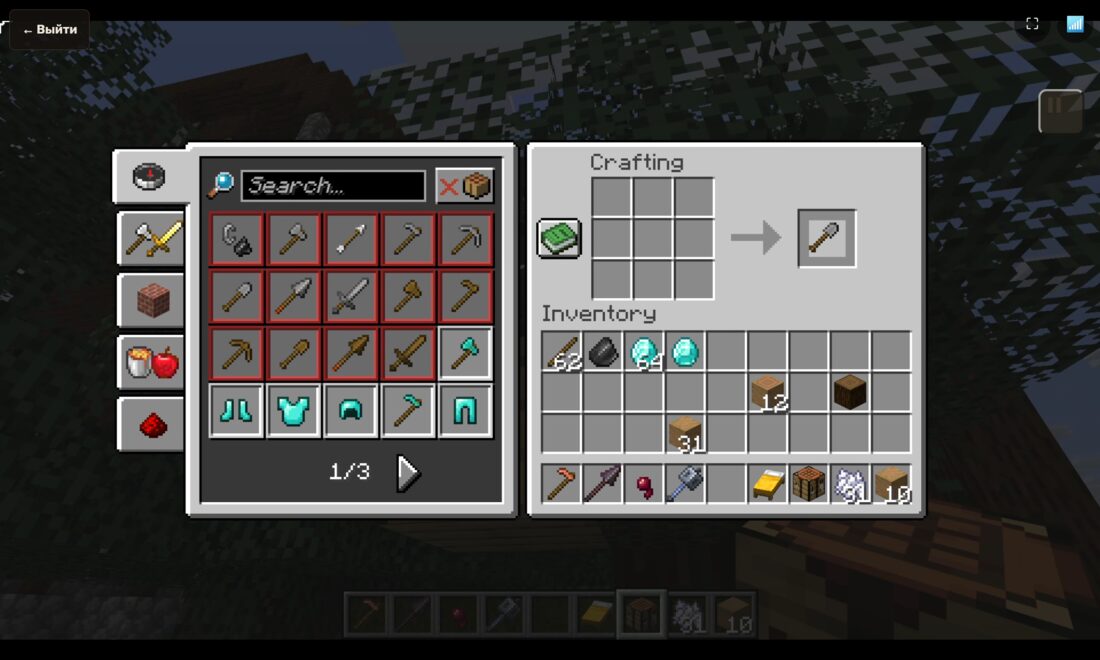
We adapted the controls to vanilla crafting: vanilla recipes, auto-craft and a recipe book.
- Tap a recipe and the ingredients fill the grid.
- Tap the result to take the item.
- Hold to craft everything you can; mod recipes are picked up.
Mini keyboard
Type with your finger — in chat and in item search.
- Shows up by itself when you need to type.
- Drag it wherever it is comfortable.
- Russian and English layouts, digits.
Any modpack
Any modpack from Modrinth — or build your own from the mods that are there.
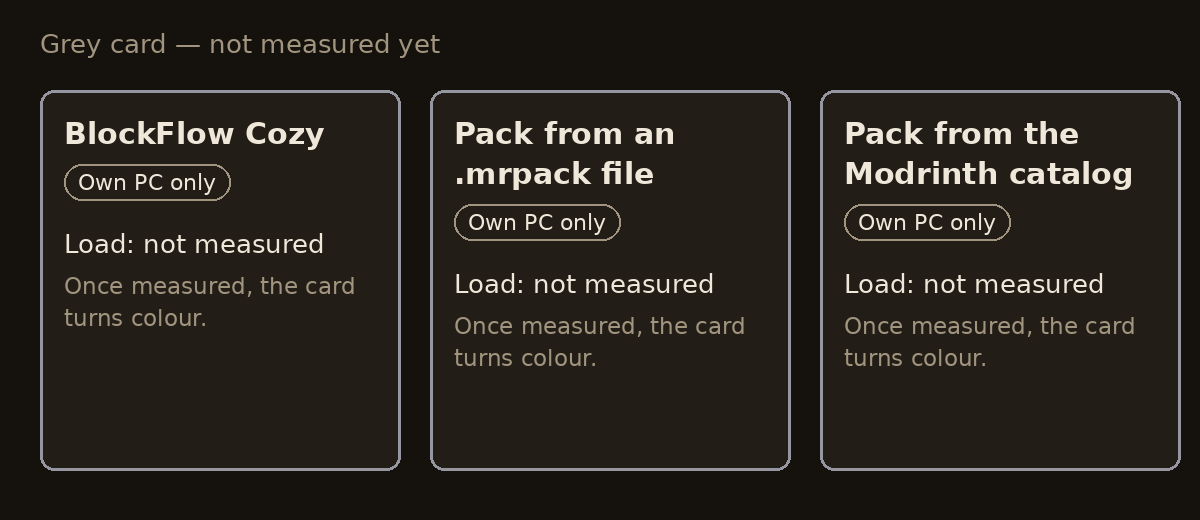
- Install from an .mrpack file or from the catalog.
- The app picks Java and the loader for you.
- How to build your own pack inside the app — we will tell you later.
Share PC
Testing
Your friend plays on your PC with their own character: just a browser on any device is enough.
- Nearby, on one network: a QR code — it works.
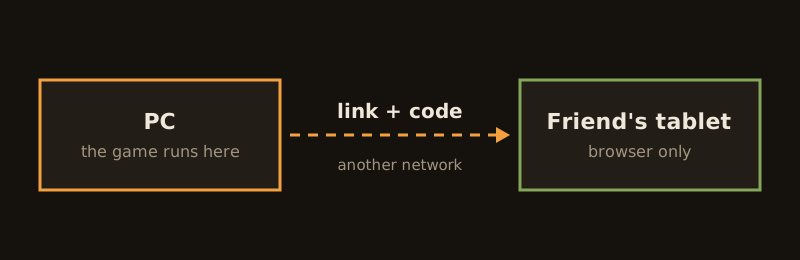
- Far away, on another network: a link and a code — we are testing it live.
- Your friend installs nothing, and you can stop their game at any moment.
Play where it suits you: PC, tablet, cloud
One “Play” button, and you choose where to play.
- On a tablet: the game runs on the PC while the picture and controls come to the tablet.
- “Share PC”: a friend joins by QR or a link with their own character.
- In the cloud — soon: the game runs on a remote computer, the world lives on your Google Drive.
Any Minecraft version and Bedrock
Plain Minecraft of any version in a couple of clicks, no mods.
- Any Java version without mods; the “for tablet” option adds touch controls.
- Bedrock launches on the PC right from the library.
- We do not stream Bedrock to a friend: they install their own.
Cloud worlds: continue from any device
Coming soon. Your world will live on your own Google Drive and be tied to your BlockFlow account.
- Sign in on a new computer or tablet — your world is already there, keep playing.
- You can play not only on a cloud computer but on the device itself. A world is open on one device at a time, so nothing gets overwritten.
- The drive is yours: we do not keep worlds ourselves. You sign in to Google yourself.
Where we are now
Testing the free version — your PC as the host
The game runs on your computer and your friend joins from a tablet or phone. We are testing it live with the first players.
- On the same network it works: QR or code.
- From another network — we are testing it.
Cloud — in development, tests are starting
The game runs on our server, no powerful PC needed. In development, first tests soon. No price yet.